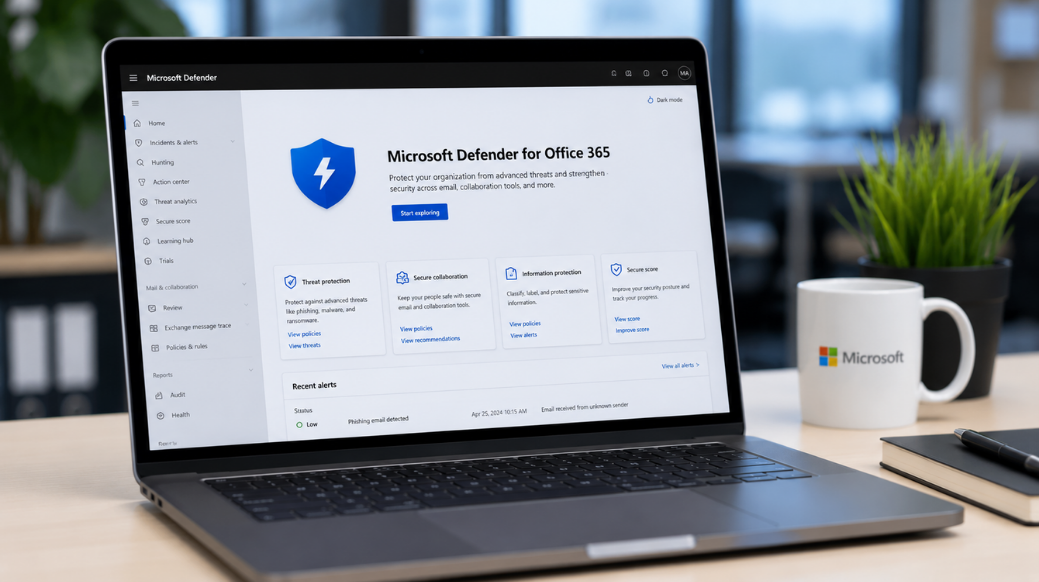
Email remains the most common entry point for cyberattacks. Every day, businesses receive thousands of emails, and not all of them are safe. Phishing attacks, malware, ransomware, malicious links, and business email compromise continue to target organizations of all sizes. According to cybersecurity reports, email-based attacks account for a large share of data breaches worldwide. A single malicious email can lead to stolen credentials, financial losses, downtime, and damage to a company's reputation. This is why businesses need advanced email security solutions that go beyond traditional spam filtering. Microsoft Defender for Office 365 is one of the most powerful cloud-based security solutions available for organizations using Microsoft 365. Designed to protect email communication, collaboration platforms, and cloud-based data, Microsoft Defender for Office 365 helps businesses identify, prevent, detect, and respond to modern cyber threats. In this comprehensive guide, you'll learn everything about Microsoft Defender for Office 365, including its key features, benefits, setup process, best practices, and why it has become an essential part of modern business cybersecurity.
What is Microsoft Defender for Office 365?
Microsoft Defender for Office 365 is an advanced security solution that protects Microsoft 365 environments from email-based cyber threats.
It protects across:
* Microsoft Outlook
* Exchange Online
* Microsoft Teams
* SharePoint Online
* OneDrive for Business
Unlike traditional antivirus software that primarily protects endpoints, Microsoft Defender focuses on securing communication channels, collaboration platforms, and cloud applications.
The platform uses:
* Artificial Intelligence (AI)
* Machine Learning
* Threat Intelligence
* Behavioral Analysis
* Automated Investigation and Response
to identify and stop threats before they affect users.
Why Businesses Need Microsoft Defender for Office 365
Cybercriminals are becoming more sophisticated every year. Traditional security measures alone are often not enough.
Businesses commonly face:
* Phishing attacks
* Credential theft
* Ransomware infections
* Malicious attachments
* Fake websites
* Business email compromise
* Insider threats
Microsoft Defender for Office 365 helps organizations reduce these risks while maintaining productivity.
Example
Imagine an employee receives an email that appears to be from a company executive requesting an urgent bank transfer.
Without advanced protection:
* The employee clicks the link.
* Credentials are stolen.
* The company suffers financial loss.
With Microsoft Defender:
* The email is analyzed.
* The sender is flagged as suspicious.
* The malicious link is blocked.
* Security teams receive an alert.
This proactive protection helps prevent costly incidents.
Key Features of Microsoft Defender for Office 365
1. Safe Attachments
-
Safe Attachments protects users from harmful email attachments.
-
Every attachment is opened and analyzed in a secure virtual environment before delivery.
Benefits include:
* Malware detection
* Ransomware protection
* Zero-day threat detection
* Safer email communication
1. Safe Links
-
Safe Links protects users from malicious URLs.
-
Every link inside emails, Teams messages, and Office documents is checked before access is granted.
-
If a dangerous website is detected, users are prevented from accessing it.
2. Anti-Phishing Protection
Phishing remains one of the biggest cybersecurity challenges.
Microsoft Defender identifies:
* Fake websites
* Email spoofing
* Executive impersonation
* Credential theft attempts
Advanced machine learning helps detect phishing attacks before users interact with them.
3. Threat Explorer
Threat Explorer provides security teams with detailed visibility into security incidents.
Administrators can:
* Investigate attacks
* Track suspicious emails
* Analyze threat patterns
* Take corrective action quickly
4. Automated Investigation and Response (AIR)
AIR automatically investigates alerts and performs remediation actions.
Benefits include:
* Faster incident response
* Reduced manual effort
* Improved security efficiency
5. Attack Simulation Training
Organizations can train employees by simulating phishing attacks.
This helps improve security awareness and reduce human error.
Benefits of Microsoft Defender for Office 365
1. Stronger Email Security
Microsoft Defender significantly improves email protection against advanced threats.
2. Better Data Protection
Sensitive information remains protected from unauthorized access and cyberattacks.
3. Reduced Security Risks
Organizations can reduce exposure to phishing, ransomware, and malware attacks.
4. Improved Compliance
Businesses can better meet regulatory requirements related to data protection and cybersecurity.
5. Increased Productivity
Employees spend less time dealing with suspicious emails and security incidents.
6. Simplified Security Management
A centralized dashboard makes monitoring and managing security easier.
Microsoft Defender for Office 365 Plan 1 vs Plan 2
Plan 1
Includes:
* Safe Links
* Safe Attachments
* Anti-Phishing Protection
* Real-Time Detection
Ideal for small and medium-sized businesses.
Plan 2
Includes everything in Plan 1 plus:
* Threat Explorer
* Automated Investigation and Response
* Attack Simulation Training
* Advanced Hunting
Ideal for organizations requiring advanced security capabilities.
How to Set Up Microsoft Defender for Office 365
Step 1: Verify Licensing
Confirm your Microsoft 365 subscription includes Defender for Office 365 Plan 1 or Plan 2.
Step 2: Access Microsoft Defender Portal
Log in to the Microsoft Defender Security Center using administrator credentials.
Step 3: Configure Safe Attachments
Create policies that scan email attachments before delivery.
Step 4: Enable Safe Links
Activate Safe Links protection across Exchange Online, Microsoft Teams, and Office applications.
Step 5: Configure Anti-Phishing Policies
Enable impersonation protection and spoof intelligence.
Step 6: Create Alert Policies
Configure alerts for suspicious activities and security incidents.
Step 7: Monitor Security Reports
Regularly review reports and investigate potential threats.
Best Practices for Microsoft Defender for Office 365
To maximize protection:
* Enable Multi-Factor Authentication (MFA)
* Use Conditional Access policies
* Configure Safe Links and Safe Attachments
* Train employees regularly
* Monitor security alerts
* Review permissions periodically
* Keep policies updated
* Test security controls regularly
Common Challenges and Solutions
1. Challenge: Increasing Phishing Attacks
Solution:
Enable anti-phishing policies and employee awareness training.
1. Challenge: Remote Work Security
Solution:
Use Conditional Access and Multi-Factor Authentication.
2. Challenge: Malware Threats
Solution:
Enable Safe Attachments and threat protection policies.
3. Challenge: User Awareness
Solution:
Implement Attack Simulation Training programs.
Frequently Asked Questions
1. Is Microsoft Defender for Office 365 worth it?
Yes. It provides advanced protection against modern cyber threats and helps businesses improve their security posture.
2. Does Microsoft Defender stop phishing emails?
Yes. Microsoft Defender includes advanced anti-phishing capabilities designed to identify and block phishing attempts.
3. Can Microsoft Defender protect Microsoft Teams?
Yes. It protects Microsoft Teams, Exchange Online, SharePoint Online, and OneDrive for Business.
4. Do I need antivirus if I use Microsoft Defender for Office 365?
Microsoft Defender for Office 365 focuses on email and collaboration security. Endpoint protection may still be required depending on your environment.
5. Which plan should I choose?
Plan 1 is suitable for most small and medium-sized businesses, while Plan 2 is ideal for organizations needing advanced threat investigation and response capabilities.
Conclusion
Cyber threats continue to evolve, making advanced email security more important than ever. Microsoft Defender for Office 365 provides comprehensive protection against phishing attacks, malware, ransomware, malicious links, and business email compromise. With features such as Safe Links, Safe Attachments, Threat Explorer, Automated Investigation and Response, and Attack Simulation Training, organizations can significantly strengthen their cybersecurity defenses. Businesses that invest in Microsoft Defender for Office 365 not only improve security but also protect customer trust, maintain compliance, and support a safer digital workplace.